
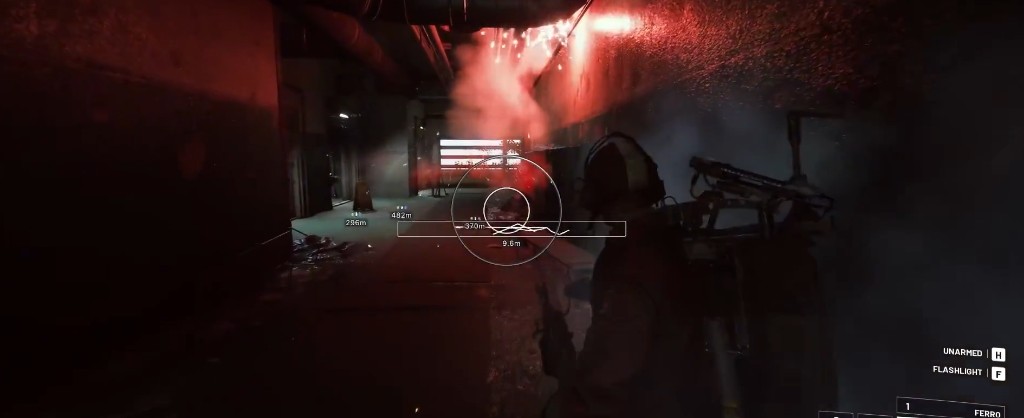
Why Third-Person Changes Aimbot Tuning
Arc Raiders uses a third-person camera offset from your actual gun line. Embark Studios designed fights around corner peeks, cover hugging, and vertical angles on maps like Blue Gate. An aimbot copied from a first-person shooter feels wrong here — snaps that ignore camera offset get reported fast and miss anyway.
Aimbot modules for Arc Raiders account for that offset. Smoothing curves move the crosshair along paths that resemble manual correction. FOV limits keep activation zones tight enough that you are not locking targets behind your character model.
FOV Settings That Work
For PvP at extract, run a narrow FOV between 8 and 15 degrees. Wide FOV catches targets you are not looking at — that reads as rage behavior in kill replays. For ARC drone clears in open Rust Belt zones, widen to 25–35 degrees because machines move predictably and fewer human players review those kills.
Dynamic FOV scaling helps if your cheat supports it. Tight when aimed, wider when hip-firing. Arc Raiders weapons have different effective ranges — tune per weapon class if your config profiles allow it.
Smoothing and Humanization
Smoothing is the difference between legit-looking aim and obvious spin. Start at 12–18 ms equivalent delay and adjust down only if you accept more risk. Humanized modes add micro-variation to each correction so patterns do not repeat frame-perfect.
Visibility check must stay enabled for PvP. Firing at boxed targets behind solid cover creates impossible shot lines Easy Anti-Cheat flags. Visibility check skips occluded enemies — you still see them on ESP, you just do not auto-aim through the wall.
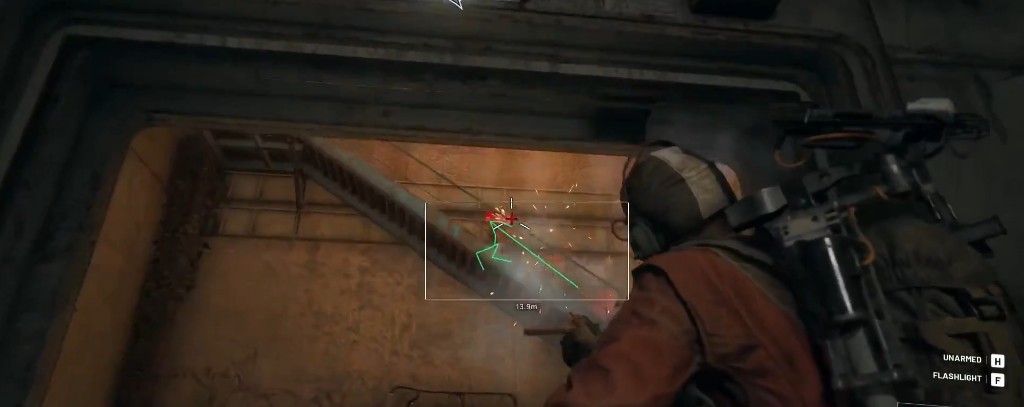
Bone Selection Strategy
Head shots finish fights faster but look suspicious at range with high smoothing off. Chest bones trade damage for safer-looking kill footage. For ARC machines, weakpoint bones matter more — the aimbot should prioritize exposed panels on Sentinels when weakpoint ESP is active.
Target priority modes change raid outcomes. Closest-target works for drone swarms. Lowest-HP priority finishes wounded raiders during squad fights. FOV-position priority keeps aim on whoever you are already facing — best for streamers who want subtle assistance.
Triggerbot Pairing
Triggerbot fires when your crosshair crosses a valid hitbox. Pair it with moderate smoothing so you aim manually but shots release consistently. Add 20–40 ms delay so fire rate matches human reaction time. Team-check prevents firing on squadmates during co-op extracts.
Config Profiles for PvE vs PvP
Save two profiles. PvE: wider FOV, drone bone priority, triggerbot off. PvP: tight FOV, chest bone, visibility on, triggerbot optional. Swap with a hotkey before you hit contested zones — not mid-fight.
Read the Arc Raiders ESP guide for overlay basics, then check Easy Anti-Cheat safety before you push aggressive aim settings online.